
Slottica APK Download
APP install guide · Real device tested
This is the Android package used in our latest test
- Version
- Version 5.12.8
- File Size
- 53.88MB
- Updated
- 01 Oct 2026
- Tested On
- Vivo Y29 Android 14
How to Install
- 1
How to Download the Slottica App
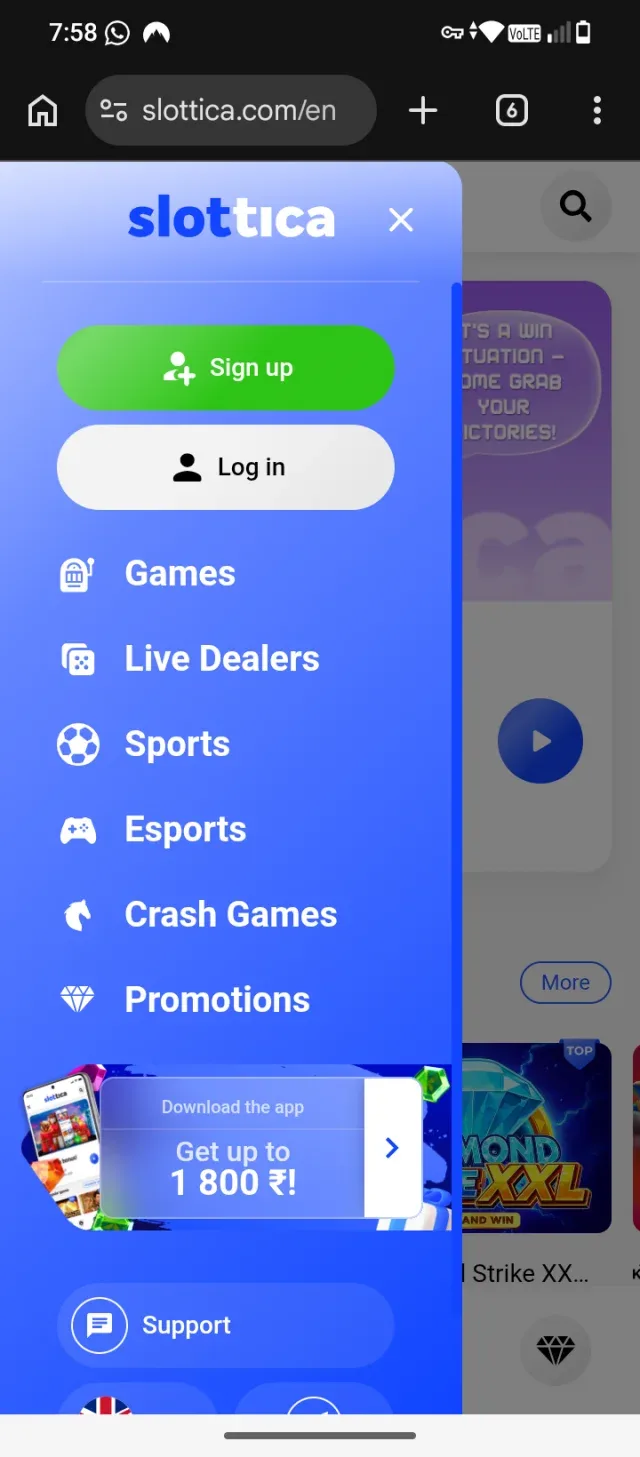
Tap the Download Banner: In the side menu, tap the blue "Download the app / Get up to 1 800 ₹!" banner near the bottom. Start Download: On the download page that opens, tap the Download button to start downloading the Android APK file.
- 2
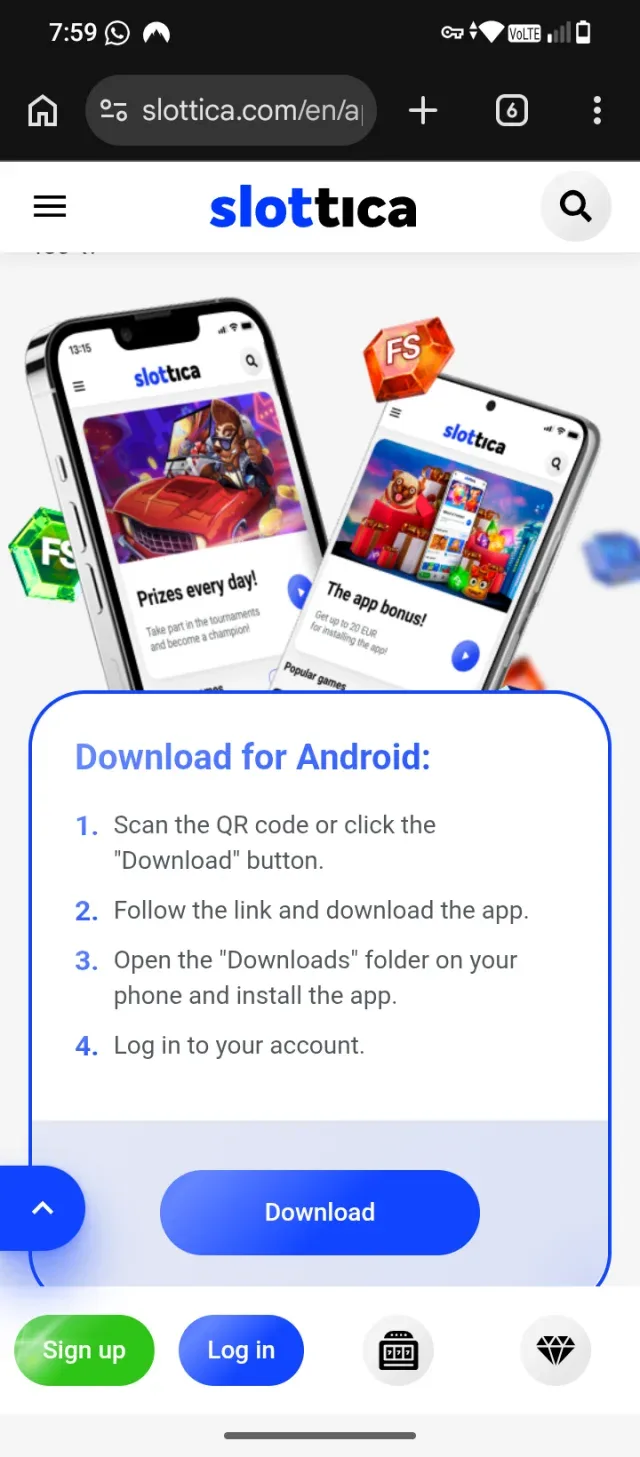
Start the Download
Tap the large blue Download button at the bottom of the card.
- 3
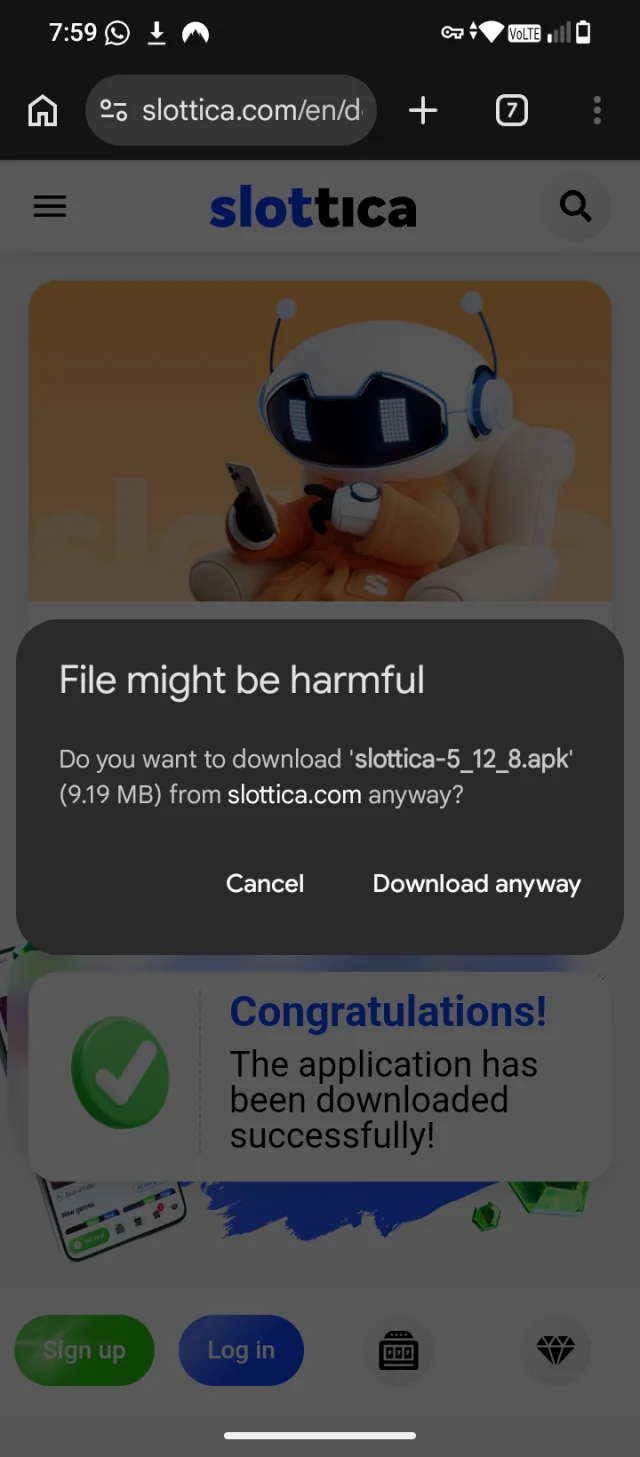
Confirm File Download
Tap Download anyway on the security warning prompt to proceed with downloading the slottica-5_12_8.apk file.
- 4
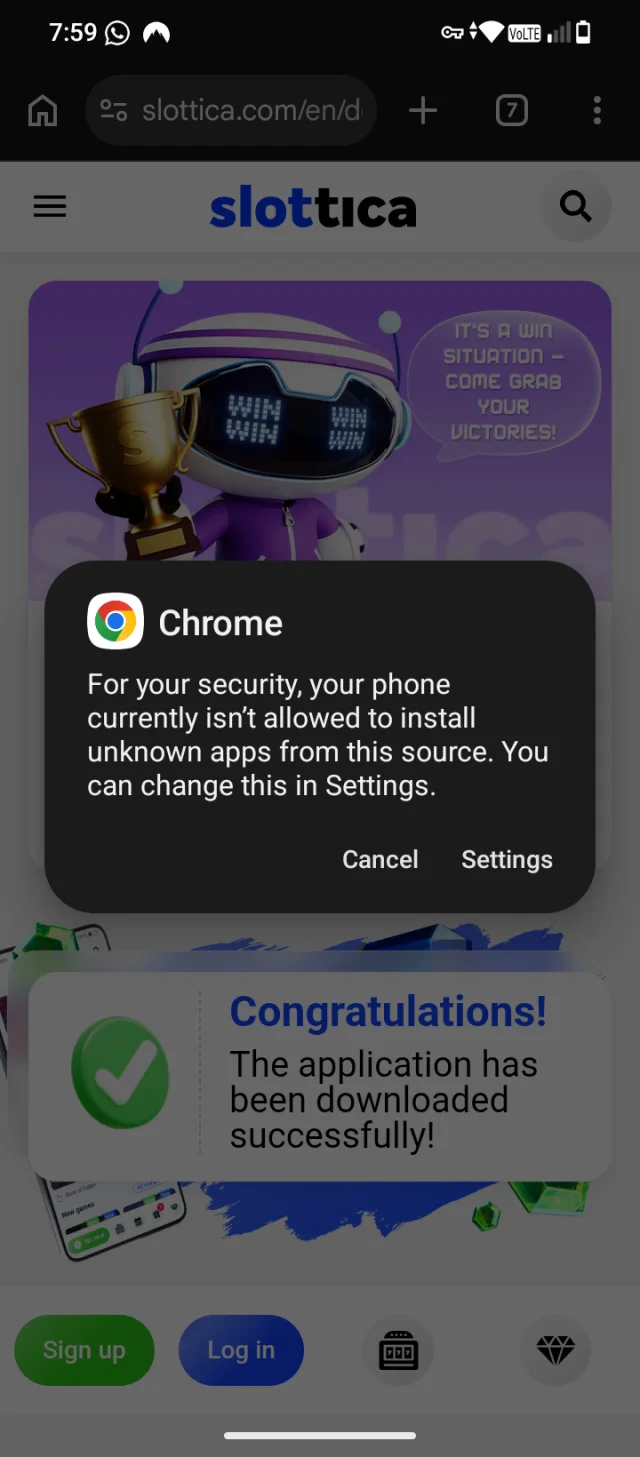
Access Chrome Settings
Tap Settings on the pop-up prompt to allow Chrome to install the app.
- 5
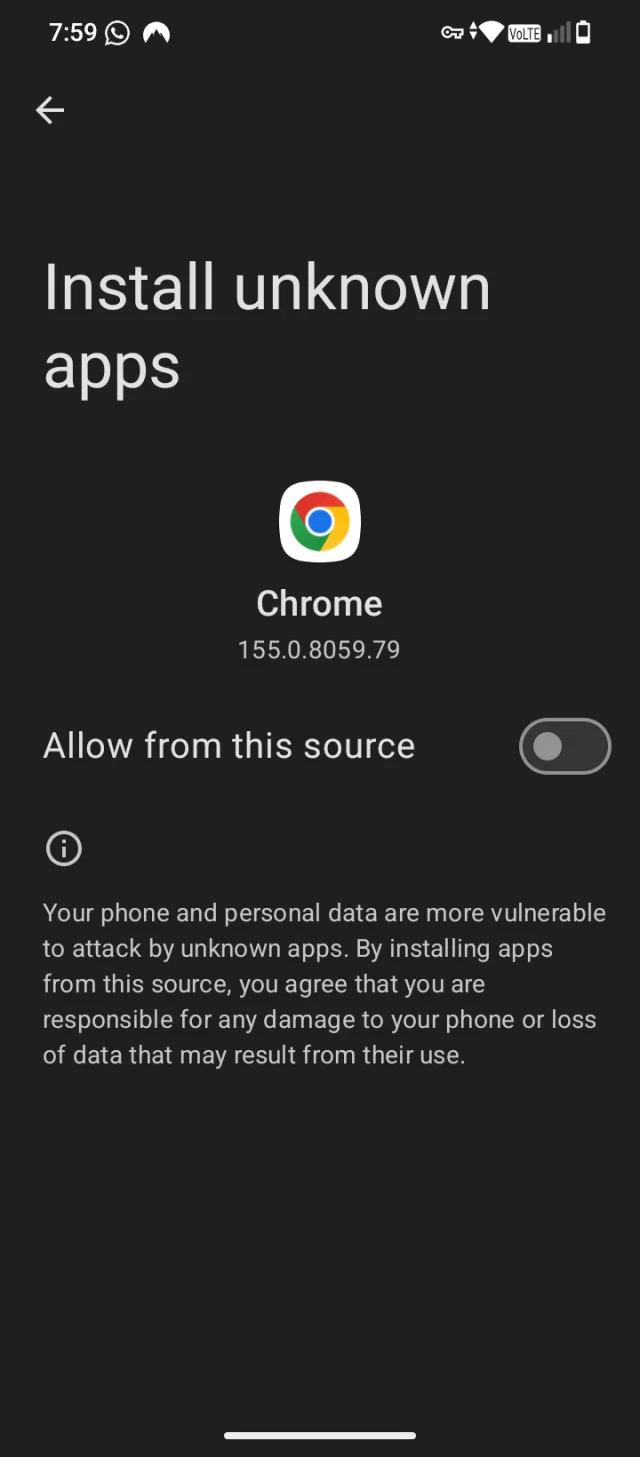
Allow install from unknown sources
Go to Settings -> Apps -> Special access -> Install unknown apps -> select your browser -> Allow.
- 6
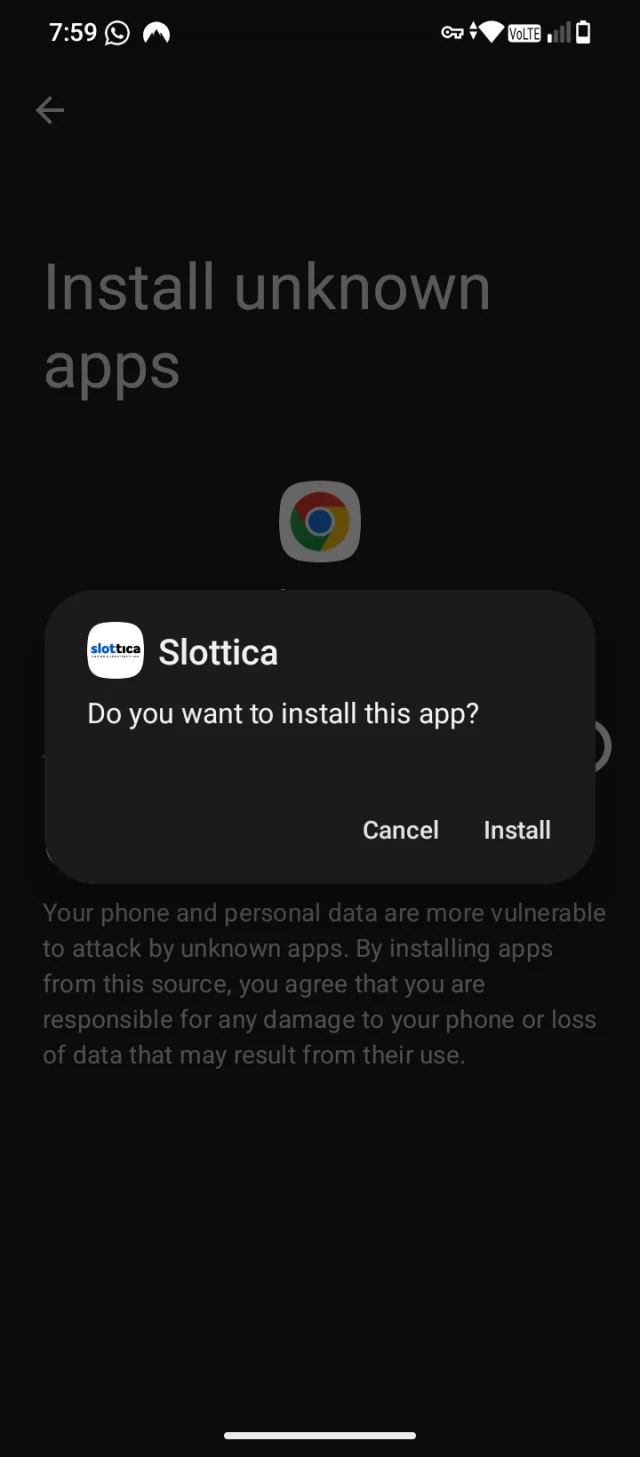
Open the APK and install
Open the downloaded file from notification or Files app. Tap Install. It usually takes less than 1 minute
- 7
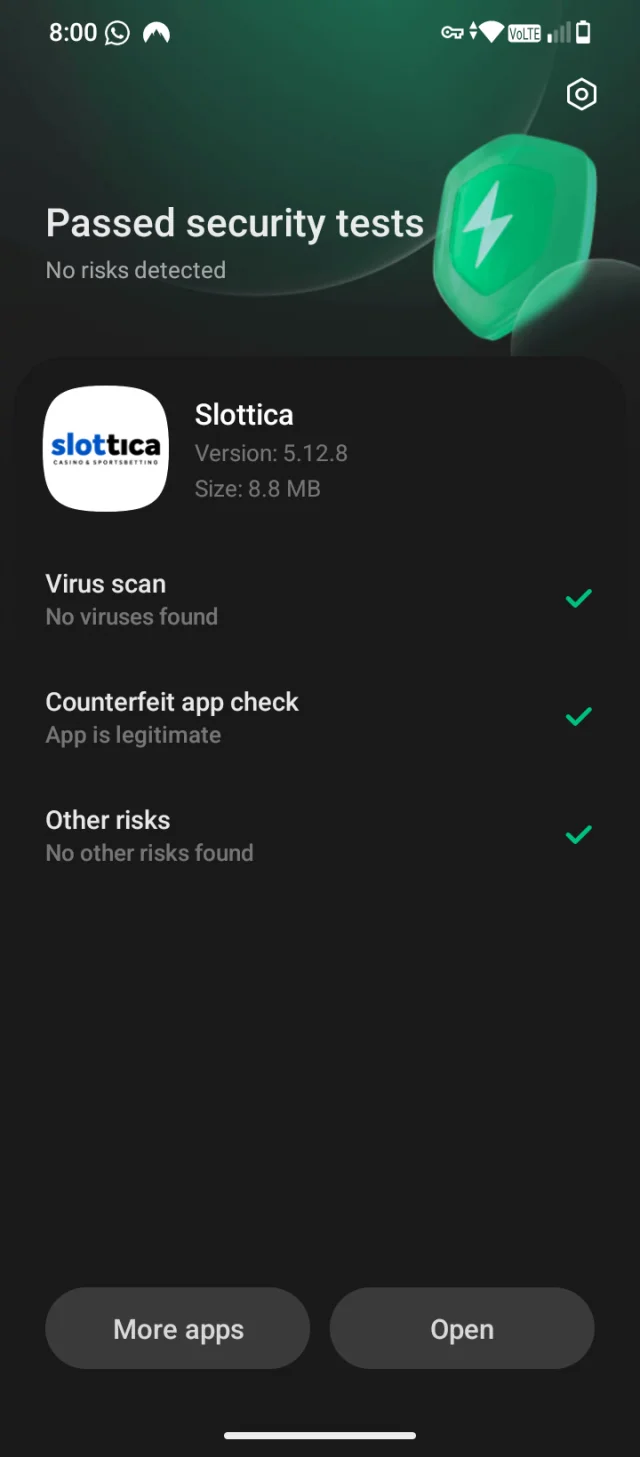
Open the app and log in
After install, open it. You still need to register or login with your mobile number. The app looks more faster than website.
- 8
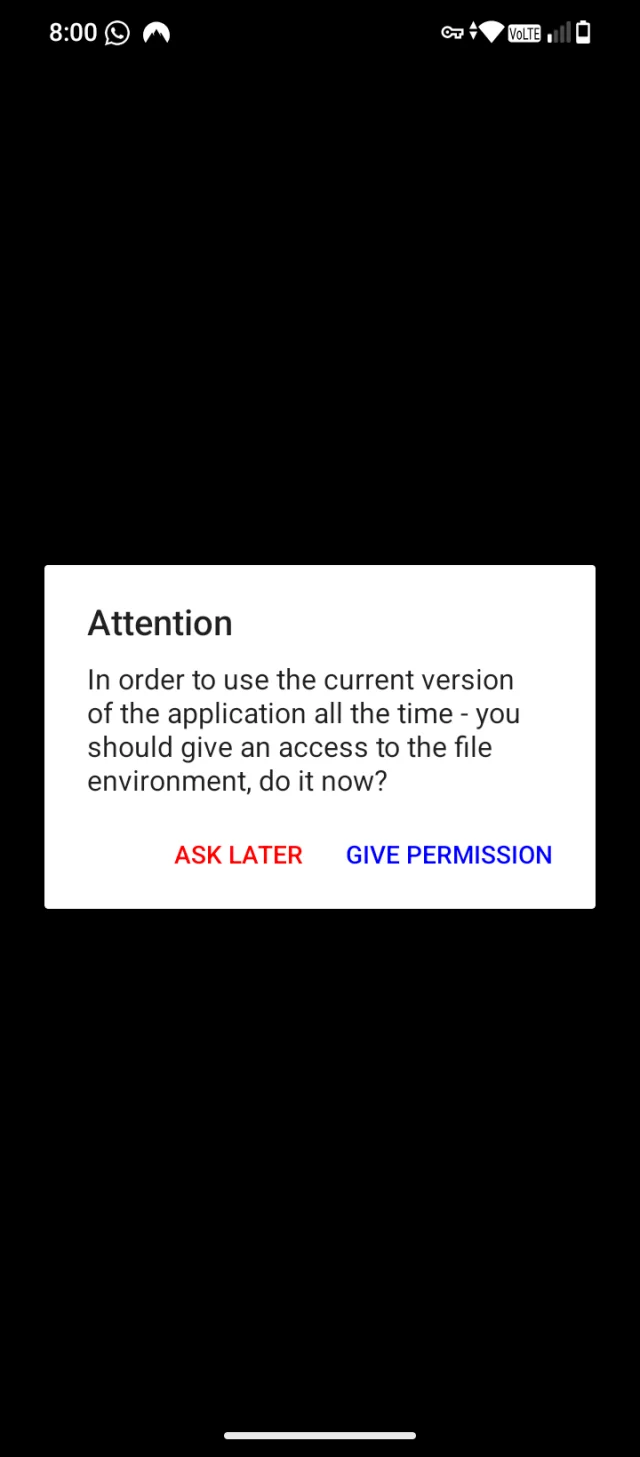
What if pop up comes again with warning
It means App is asking for your permission to run properly it will not mislead any information can tap on give permission
- 9
Now the app is installed
Now you can use app and register or login and also can play games
[Screenshot: Now the app is installed]